How do you set up cold email so it lands in the inbox?
Separate sending domains, SPF, DKIM and DMARC, two weeks of warm-up, 30 to 40 emails per inbox per day, and a complaint rate well under 0.3%.
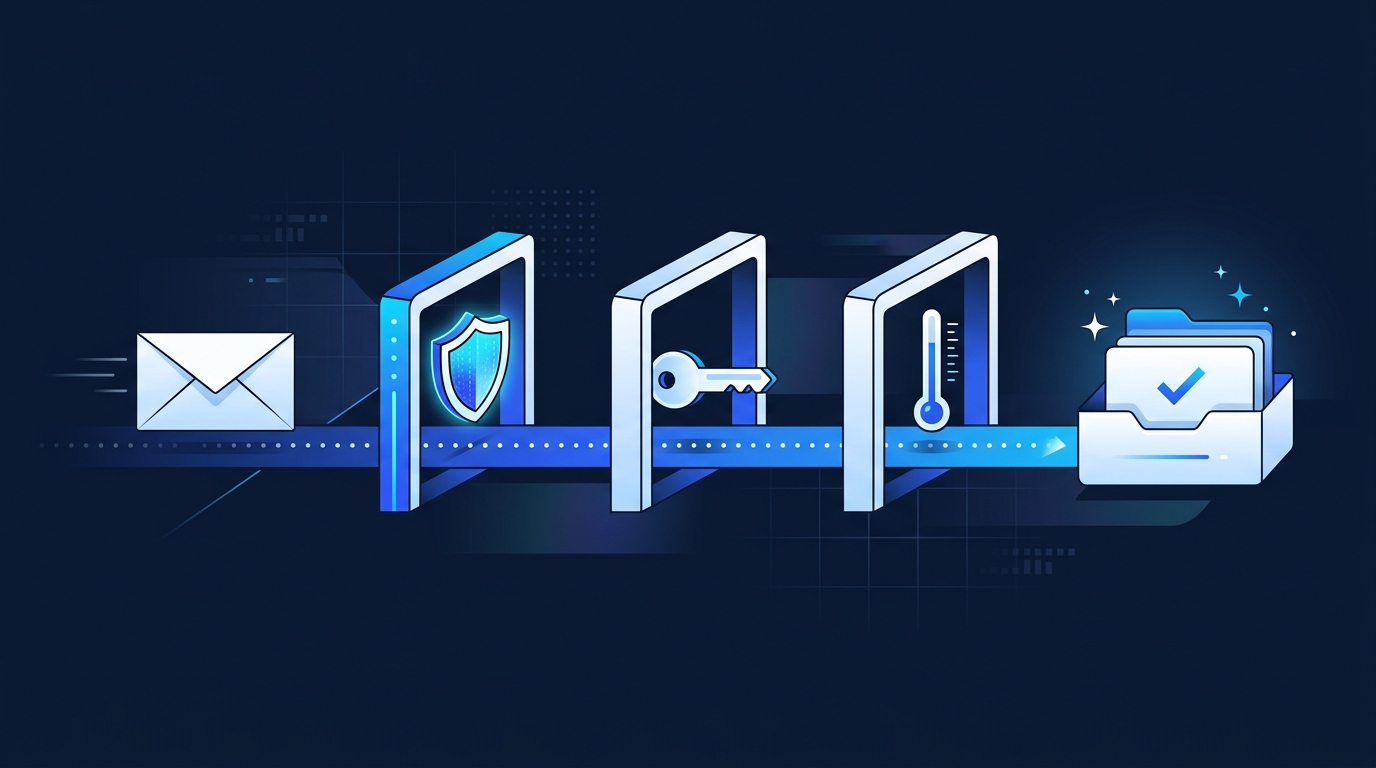
Send from separate domains, authenticate them with SPF, DKIM and DMARC, warm each inbox up for two weeks, then send no more than 30 to 40 emails per inbox per day to verified addresses. Keep spam complaints well under Google’s 0.3% limit. That setup keeps inbox placement above 90% on the B2B campaigns we run.
Should you send cold email from your main domain?
No. If a campaign goes badly, your main domain’s reputation suffers, and so does every invoice and customer email you send. We register two to four similar domains, such as getyourbrand.com, and redirect them to your site.
What authentication do you need?
SPF, DKIM and DMARC on every sending domain, plus a custom tracking domain. Since 2024, Google and Yahoo require authentication from bulk senders and expect a one-click unsubscribe, honored within two days, on marketing mail. Inbox providers treat unauthenticated mail as suspect.
How much can you send each day?
After two weeks of warm-up, 30 to 40 emails per inbox per day. To reach more people, add inboxes rather than pushing volume per inbox. Verify every address before it goes into a sequence; bounces damage reputation fast.
Is cold email legal?
For B2B, yes in both the UK and USA, with rules. UK PECR lets you email corporate subscribers without prior consent if you identify yourself and offer an opt-out. US CAN-SPAM requires accurate sender details, a postal address and opt-outs honored within 10 business days. Read more in our B2B lead generation guide.
Our lead generation team sets all of this up before the first email goes out.
Want us to check yours?
We'll run this exact review on your accounts as part of a free growth audit.
Book my free audit →